Teraco: A Premium Google Slide Template for Polished Presentations
Imagine transforming your next presentation from a simple slideshow into a compelling visual story that captivates your audience from the first slide. The right design foundation is crucial, and that's where a comprehensive template like Teraco - Google Slide Template can make a significant difference. This isn't just a single set of slides; it's a versatile toolkit designed for professionals who value both aesthetics and efficiency, offering a robust framework for any business or creative pitch.
A Foundation of Flexibility and Style
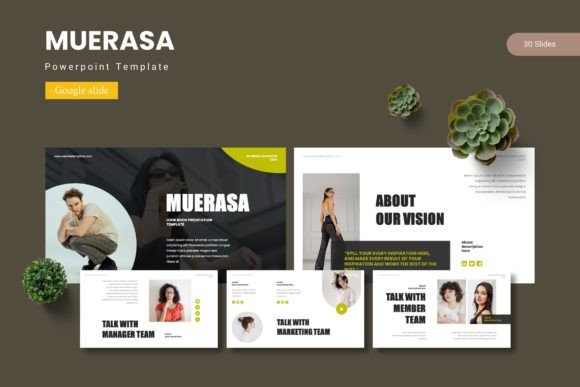
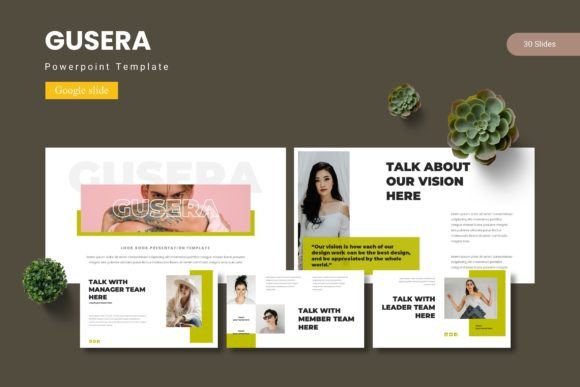
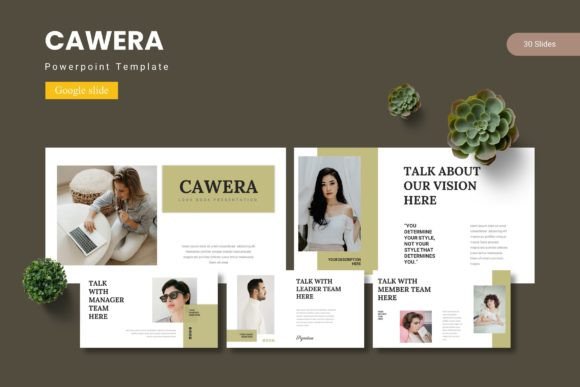
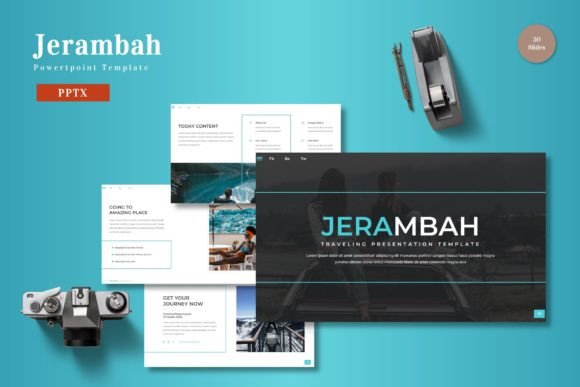
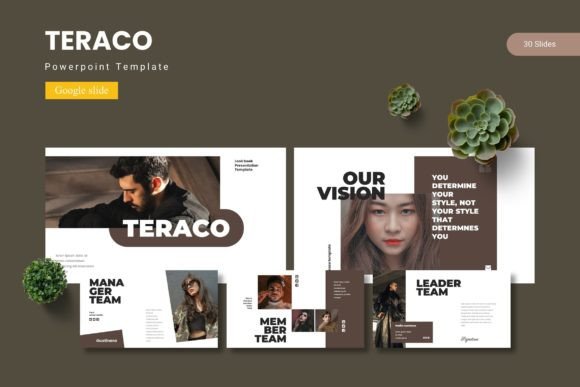
At its core, the Teraco template package provides an impressive collection of over 150 total slides, meticulously organized across five premade color schemes. Each of the five templates includes 30 distinct slides, giving you a vast array of layouts to structure your content logically. The inclusion of section break slides helps maintain a clear narrative flow, guiding your audience through key points seamlessly. This level of detail ensures you're not forcing your content into a generic mold but rather selecting the perfect frame for each idea.
What truly sets a premium design asset apart is its attention to craft. This template features handcrafted infographics and pixel-perfect illustrations, moving beyond basic clipart to provide genuinely useful visual aids. Built on master slides, every element is designed for consistency, allowing you to make global changes with ease. The graphics are fully resizable and editable, ensuring they integrate perfectly with your brand's visual language, whether you're presenting a minimalist report or a vibrant product launch.
Designed for Real-World Use Cases
The practical applications for such a flexible template are extensive. It's an ideal design asset for creating:
- Corporate Presentations: Develop sleek quarterly reviews, strategic plans, or investor pitches that reflect a high level of professionalism.
- Marketing & Branding Decks: Showcase brand identity guidelines, campaign results, or new product concepts with clarity and visual polish.
- Educational & Workshop Materials: Design engaging course content, training modules, or conference talks that hold attention.
- Portfolio & Case Study Showcases: Present your work, client successes, or project processes in a structured and visually appealing manner.
The drag-and-drop picture placeholder functionality is a particularly useful feature, allowing you to quickly insert and format images without disrupting the slide's layout. This saves valuable time during the design process, letting you focus on refining your message rather than wrestling with formatting.
Tips for Integrating This Template into Your Workflow
To get the most out of a resource like this, consider a few best practices. First, explore the five color schemes early to find the one that best matches your project's mood or your existing brand palette. Consistency in color is a powerful tool for building brand recognition. Second, don't feel obligated to use every single slide. The strength of a large template library is choice—select the layouts that best serve your specific content for each presentation.
Finally, think about font pairing. While the template comes with its own style, you can often customize the typography to align with your brand's typeface. Ensure any fonts you pair are legible at a glance and complement each other, enhancing the overall modern typography of your deck without creating visual clutter. A well-chosen font pairing elevates the entire presentation, making it look more cohesive and intentional.
Choosing a well-structured and thoughtfully designed template is an investment in the clarity and impact of your communication. It provides a professional scaffold that ensures your ideas are not just heard, but seen and remembered. By handling the design heavy lifting, it allows you to present your content with confidence and visual sophistication.